

Account Settings
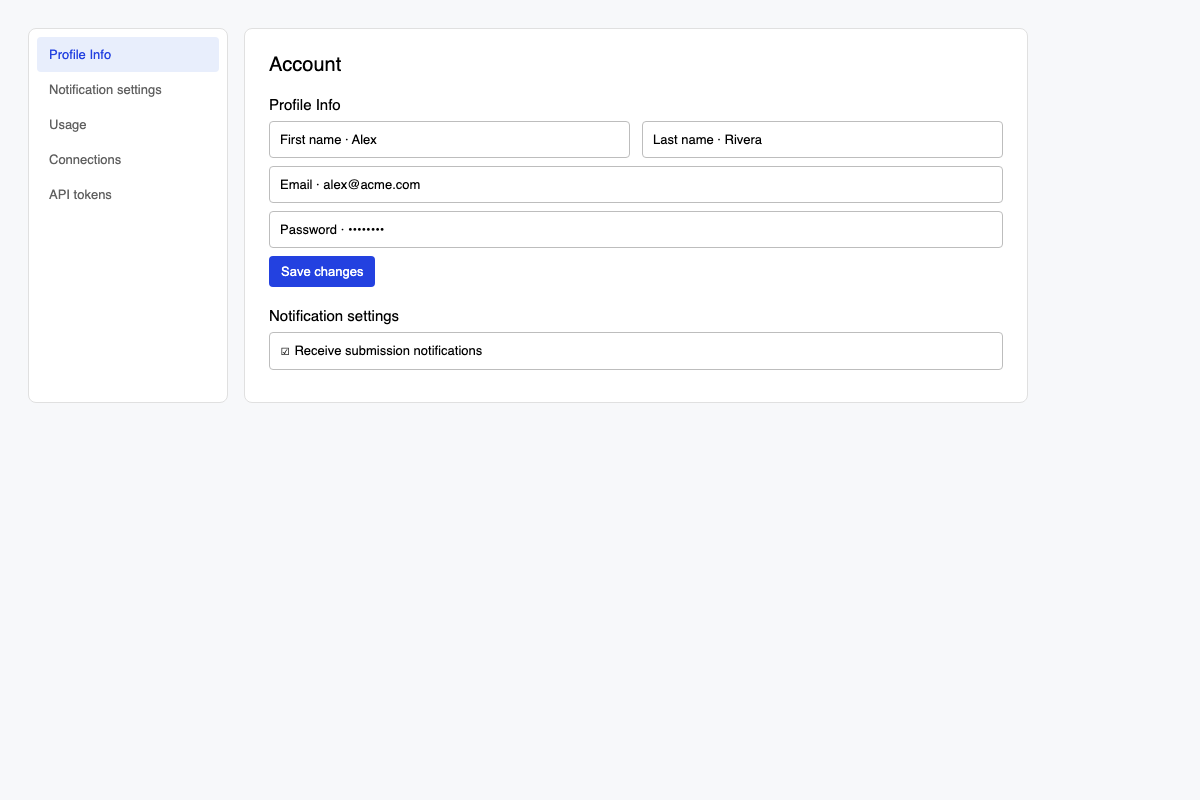
Manage your profile, notifications, usage, billing links, and API access from Account.
Open Account
- Open the Voiceform dashboard.
- Go to Account (
/dashboard/account).
/dashboard/settings redirects here (notifications section).
Profile Info
Under Profile Info / Change you can update:
- First name / last name
- Password
If your organization uses SSO, password change may be hidden and email editing disabled. See SSO Authentication.
Notification settings
Control which product emails you receive (for example submission notifications).
Usage
See seats and submission/answer limits. Details: Submissions.
Billing and connections
Depending on your plan you may also see:
- Customer portal / billing links
- Connections
- API tokens
Upgrade and billing pages: /dashboard/upgrade, /dashboard/billing.
Related
- Submissions
- Teams
- How to update settings — survey-level Settings (not account)
- SSO Authentication
Updated 3 months ago
Did this page help you?