

Logic & Actions
Control where respondents go next with conditions and actions. Use the Logic Flow canvas for a visual map, or Logic Actions on a single question.
Open Logic Flow
- Open your survey in the Create builder.
- In the right-hand panel, click Logic Flow.
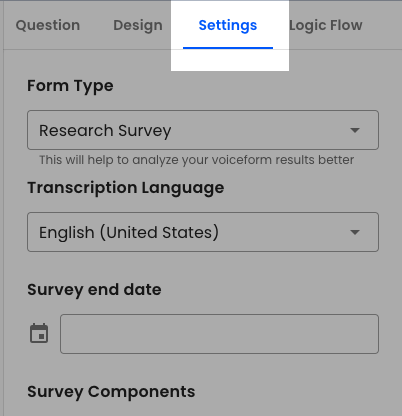
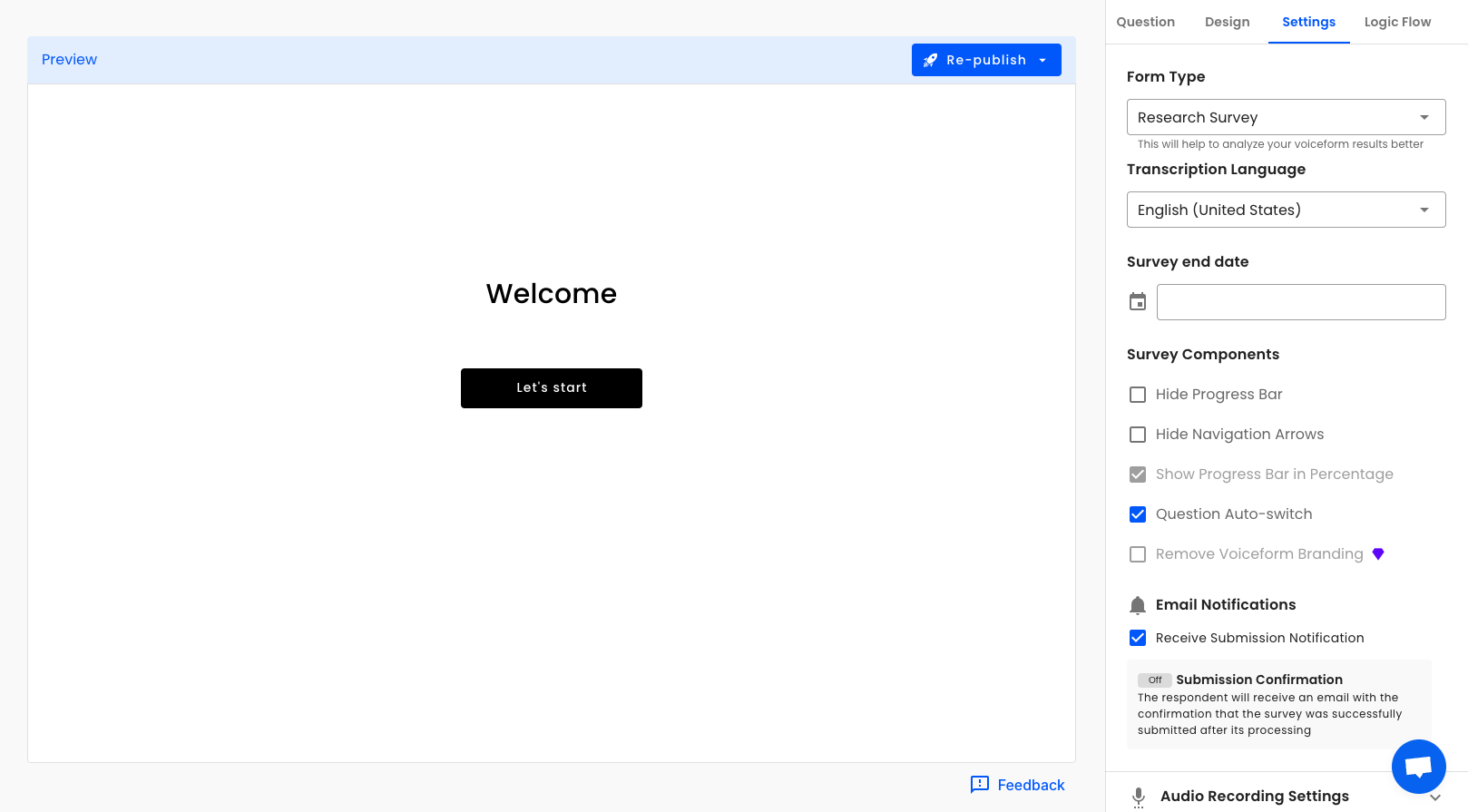
- You open the logic canvas for the survey. Use Back to form builder to return.
- Select a question node (or drag a connection) to edit logic for that question.
Empty state tip: “Select a question node or drag an arrow to add logic.”
Add logic on a question (panel)
- Stay in the builder and select a question.
- In the question panel, expand Logic Actions.
- Click Add action.
Conditions
For each action you can:
- Check Always trigger action to run with no conditions, or
- Build conditions under “specify conditions below”, then Then run the action.
Condition builder options:
- If answer to — pick a question, an operator, and a value
- Or switch to If JS script returns true (toggle between UI and JS condition)
Combine multiple conditions with and / or, and use Add condition for more rows.
Common operators (depend on question type):
- Answered / not answered
- Text: is equal to, contains, and similar
- Number and date comparisons
- Option is / is not
- Multi-select: number of selected options…
Action types
When you Add action, choose one of:
| Action | What it does |
|---|---|
| Go to | Jump to a specific question |
| Skip this question | Skip the current question |
| Submit | Submit the survey |
| Disqualify | End as a drop-off (optional disqualify message) |
| Redirect to a webpage | Send the respondent to a URL (optionally Submit answers before redirect) |
| Show Validation Error | Show a validation error and keep them on the question |
| Loop this question | Repeat the question (paid; source from a Question or JS Script) |
Click Save action to keep the action, or Cancel.
Default path
If no custom action runs, the default path is go to the next question, or Submit on the last question. The canvas also shows redirect, submit, and drop-off nodes when those actions exist.
Tips
- Actions can chain; later actions may depend on whether a previous action was skipped.
- After changing logic that affects the live survey path, Publish / Re-publish so respondents get the update.
- For script-based branching, see Variables And Script Editor and Conditional Scripts.
- For repeating question sets, see Dynamic Looping Action.
Updated 2 months ago
Did this page help you?