

Submissions
Voiceform plans include a monthly allowance of submissions (or answers, depending on your plan). When you hit the limit, new responses may be locked until the period resets or you upgrade.
Check usage
- Go to Account (
/dashboard/account). - Open the Usage section.
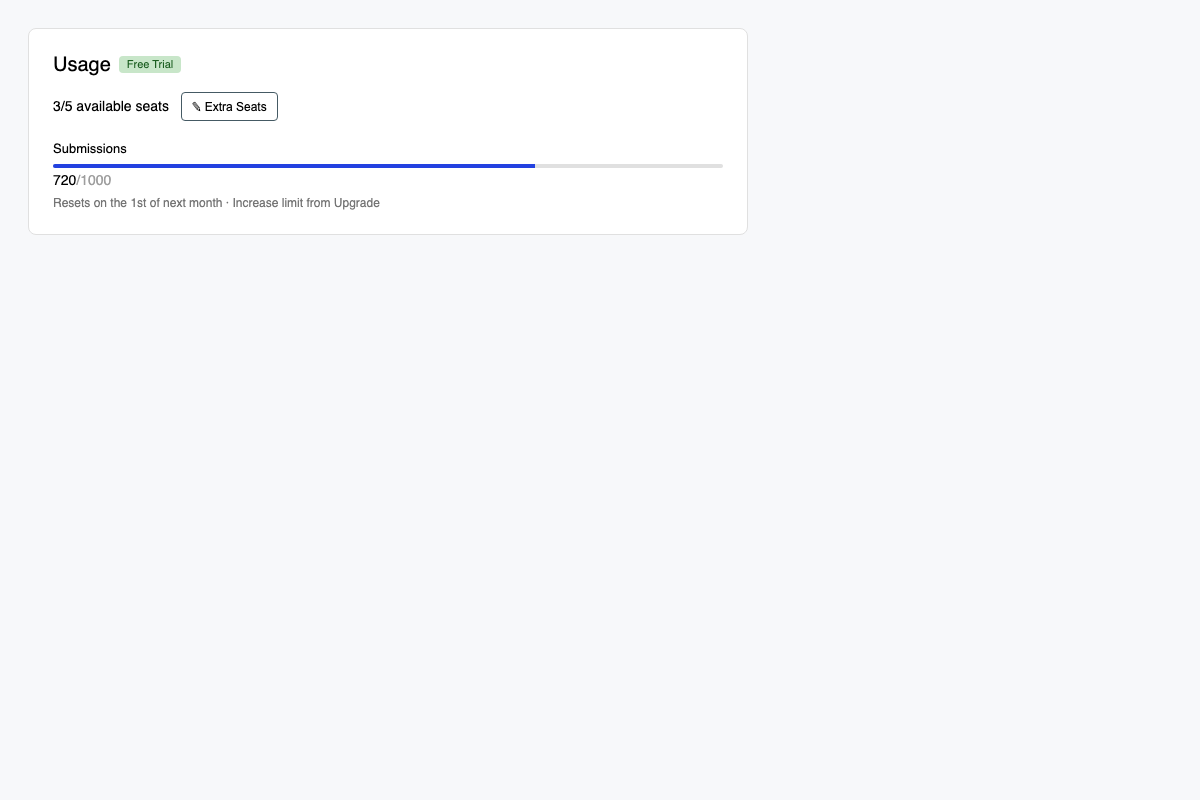
You will see:
- Seats —
X/Yavailable seats for team members (with Extra Seats on eligible plans) - Submissions or Answers — progress toward your monthly limit
- Reset date for the current period
- Trial chip when you are on a Free Trial
Extra seats
If your plan supports it:
- Click Extra Seats.
- Set how many extra seats you need ($30/month each, or $24/month on annual).
- Click Apply.
Reducing seats below your current member count can block some members from the workspace.
When a response is locked
In Results, over-limit responses show as locked (for example This response is locked / monthly response limit). Use Upgrade Now or ask your team owner to raise limits.
Related
Updated 3 months ago
Did this page help you?