

Teams
Workspaces in Voiceform are organized as teams. Each team has its own surveys, members, and plan usage.
Switch or create a team
- Open the dashboard.
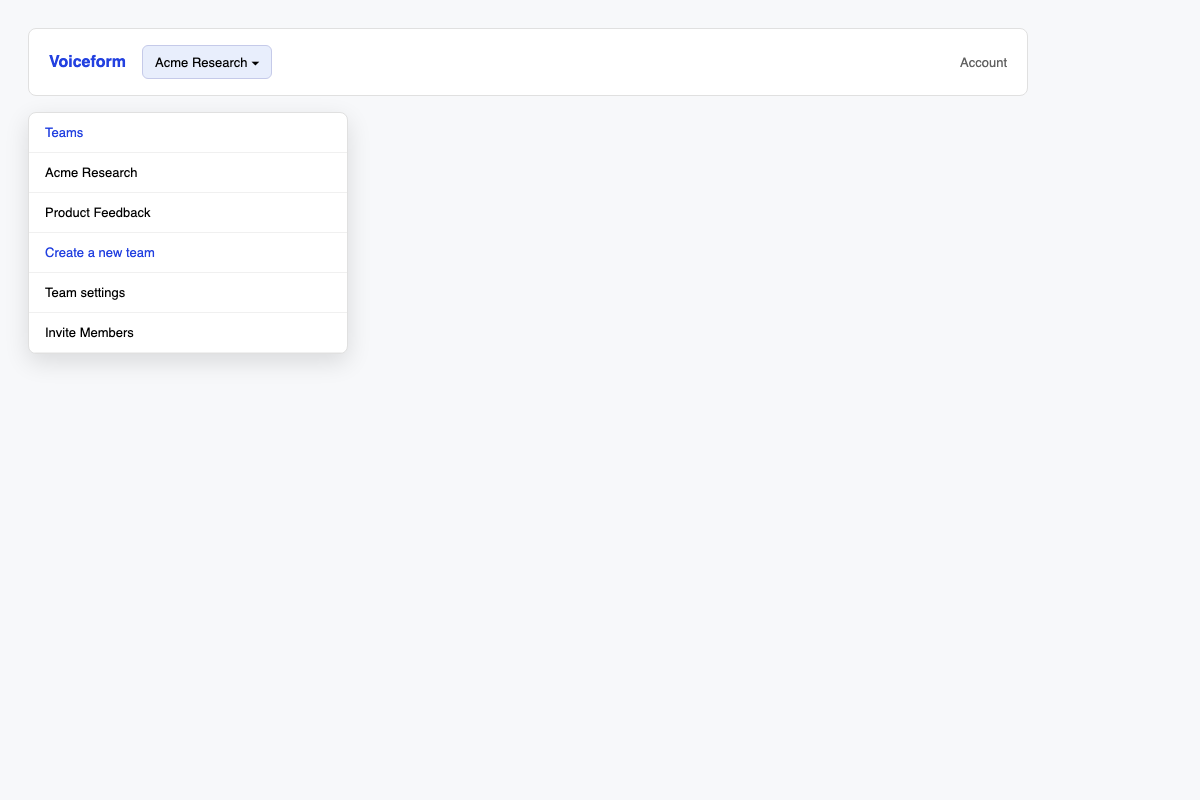
- Use the Teams switcher in the navigation.
- Choose an existing team, or Create a new team and set a team name (and description if asked).
Invite members
- Open Team settings (or members) for the active team.
- Click Invite Members.
- Send invites; teammates join via the invite link / Invite sign-up flow.
For a full walkthrough, see How to Create Team and Invite Members.
Manage the team
From team settings you can typically:
- View and manage Members
- Edit team name / details
- Leave Team or remove the team (when allowed)
Seat limits and extras are managed under Account → Usage. See Submissions.
Related
- How to Create Team and Invite Members
- Submissions — seats and response limits
- Account Settings
- SSO Authentication
Updated 3 months ago
Did this page help you?