

SSO Authentication
SSO lets your organization sign in to Voiceform through your identity provider (for example Okta) instead of a local password.
Who SSO is for
SSO is available on eligible Voiceform plans (SSO Authentication in the upgrade feature list). Setup is configured on the Voiceform side for your organization — contact [email protected] to enable SSO for your workspace.
How teammates sign in
- Your admin shares the organization SSO / SAML login URL (IdP-initiated or Voiceform SAML login for your provider).
- Users authenticate with the company IdP.
- They land in the Voiceform dashboard with their team access.
There is no separate “SSO settings” screen in the app for end users.
What changes in Account
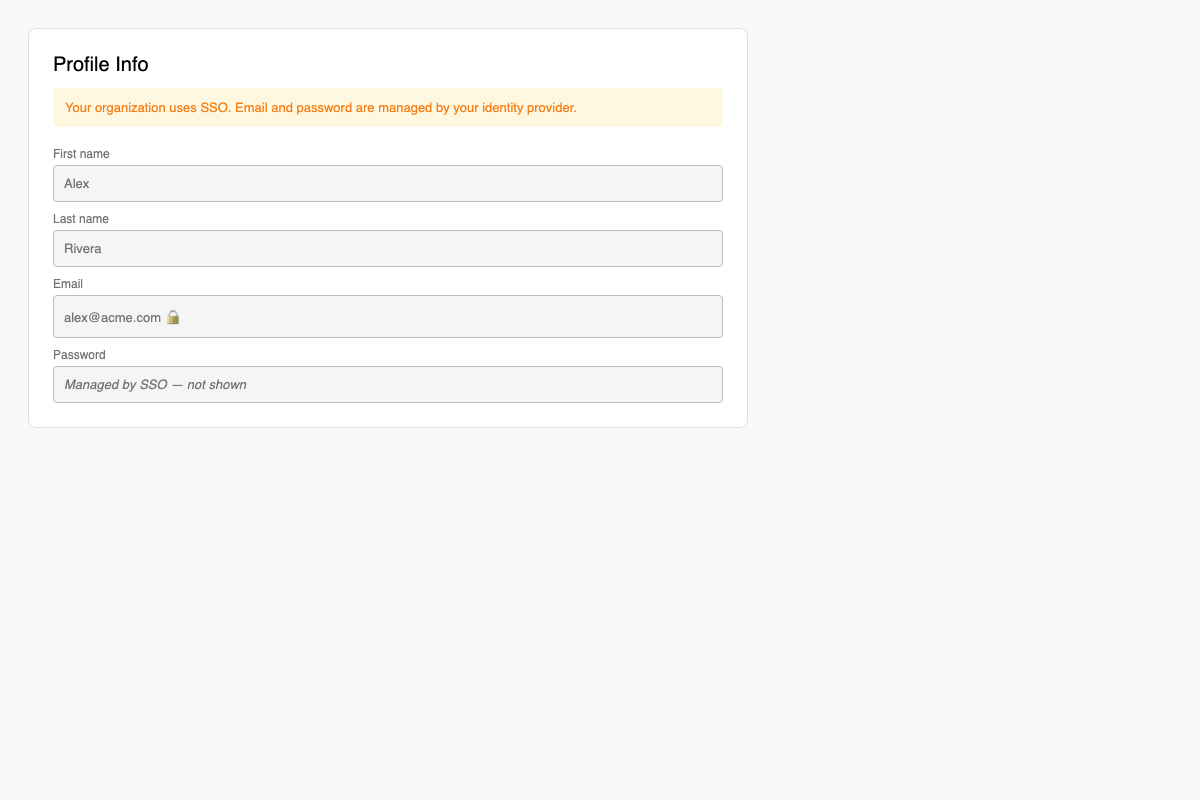
For SSO-enabled users, Account → Profile Info typically:
- Hides password change
- Disables editing email (managed by the IdP)
Related
Updated 3 months ago
Did this page help you?