

Link Sharing
Share a public link so anyone with the URL can open and complete your voiceform.
Publish firstRespondents only see a live survey after you Publish. Unpublished surveys show that the voiceform is not published.
Open Share
- Open your survey.
- In the form header, click Share.
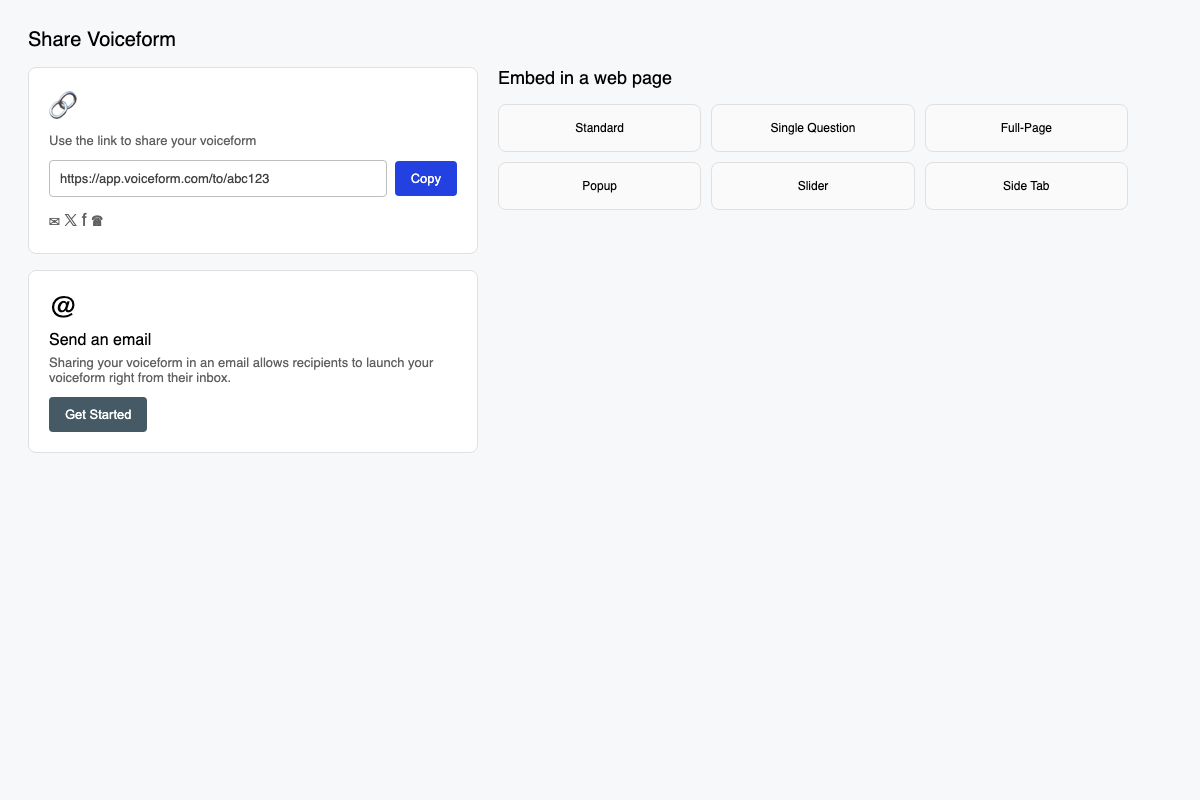
Copy the public link
- Under Share Voiceform, find Use the link to share your voiceform.
- Click Copy (the button shows Copied briefly).
- Share the link anywhere — email, Slack, SMS, or your site.
The link looks like https://app.voiceform.com/to/{hash}.
You can also open social share icons (email, Twitter/X, Facebook, WhatsApp) from the same card.
Pass data in the link
Append query parameters to personalize or track responses. Define variables first under Create → Settings → Dynamic Variables, then use them in the URL:
https://app.voiceform.com/to/{hash}?respondent_id=abc123&source=newsletterSee Passing Metadata for details.
Related
Updated 3 months ago
Did this page help you?